
Clipping Panda

  • Workflow
  • Solutions
  • Samples
  • Pricing
  • About
  • Contact
  • Affiliate
TEST WORKFLOW
  • Home
  • Posts tagged "How to Feather in Photoshop"
feather-in-photoshop

How to Feather in Photoshop

Tuesday, 06 October 2020 by Clipping Panda
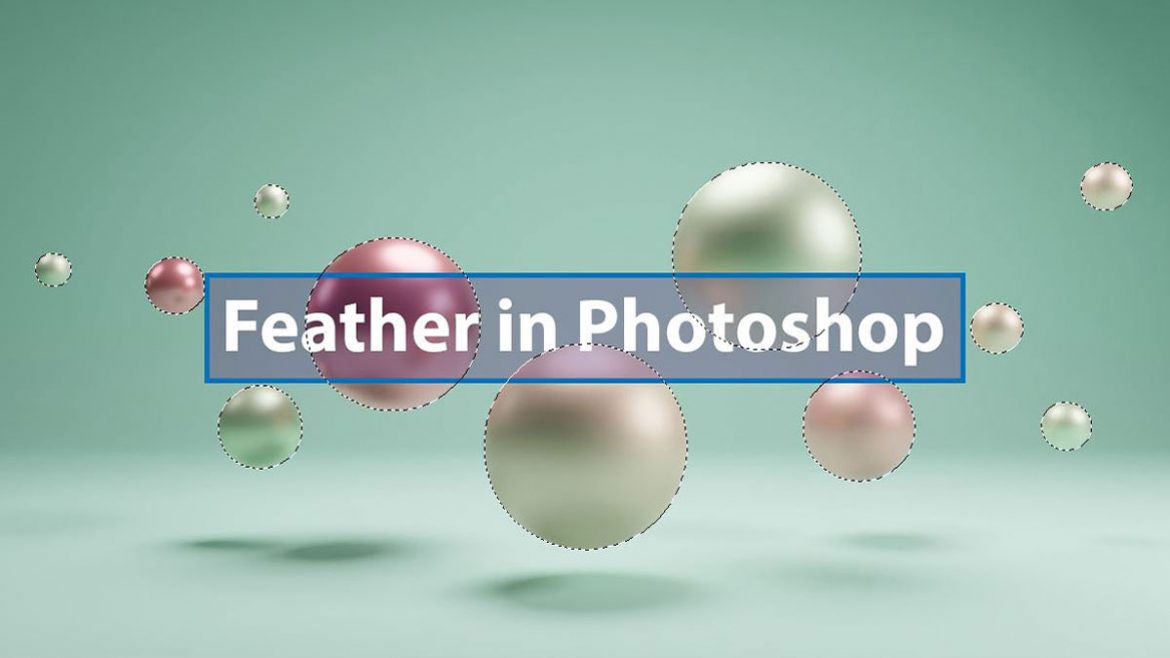
The feather option in Photoshop gives us a great advantage for the softening image’s edge. Feathering is also called blurred edges. Usually, we use feathering for various purposes. When we want to isolate a particular part of an image, we need feathering. We also need this great feature to make an artistic portrait or highlight
  • Published in Photoshop
Tagged under: How to Feather in Photoshop
creative-cloud-offer
  • BG Removing
  • Blog
  • Shadow Service
  • Request Quote
  • Photoshop Masking
  • Submit Free Trial
  • Color Correction
  • Terms & Conditions
  • Ghost Mannequin
  • Privacy Policy
  • Photo Retouching
  • FAQ
  • Restore Old Photos
  • Apply For Job

DMCA.com Protection Status

Our Location

983-Aroly, Road 16, Avenue 2

Mirpur DOHS-1216, Dhaka, Bangladesh

Contact Email

[email protected]

[email protected]

[email protected]


© 2026 All rights reserved Clipping Panda. Business License No: 206052

TOP

creative cloud